
2. Check Challenge Status
2.1 Challenge Stage- Step1 & Step2 Challenge Status
This is where you can check all the challenge stage records.
If the user is in the live stage, please check on the “Trader” page.
- Challenge> Challenge Gradation> Click on Details to check the challenge progress.
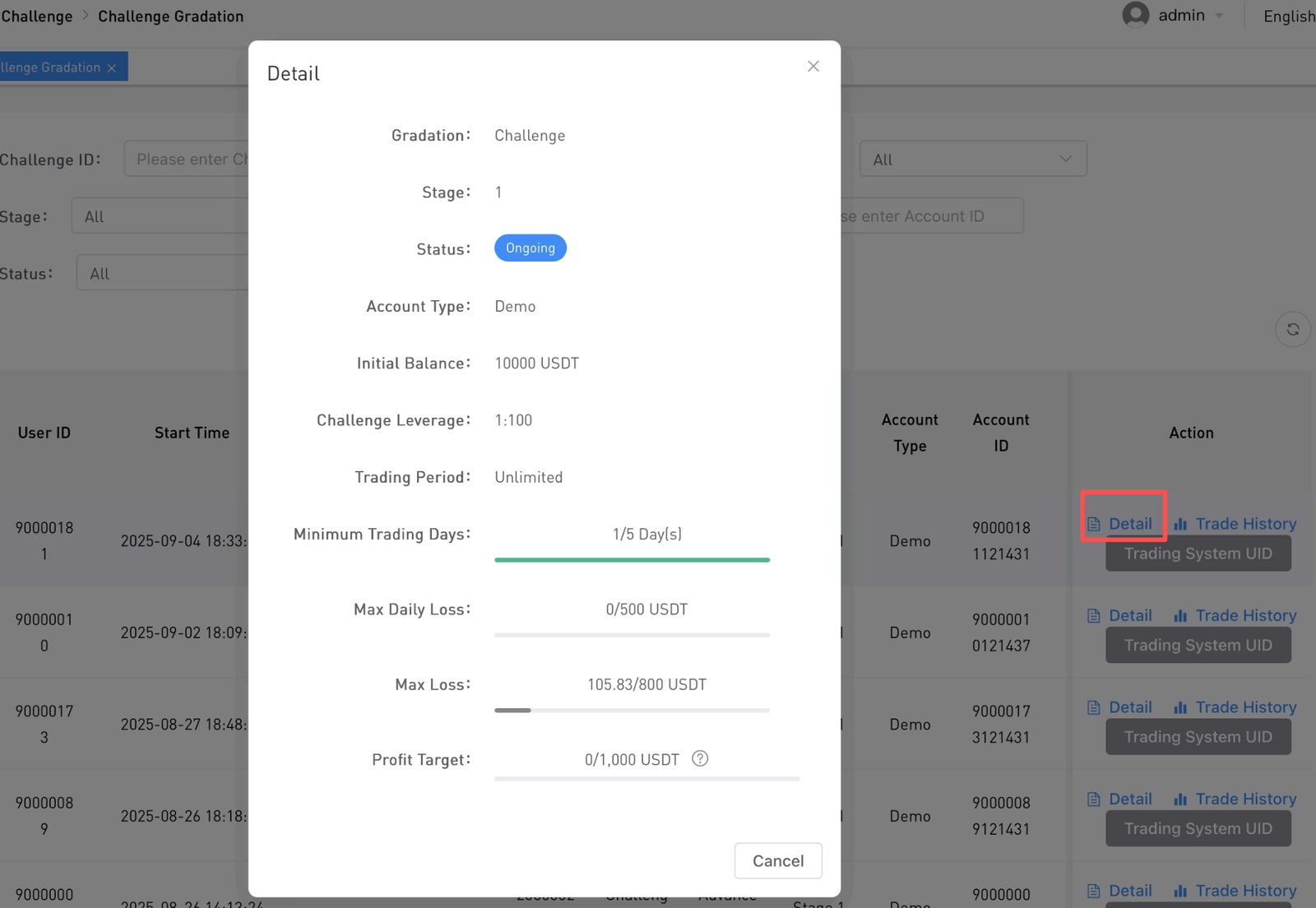
- To check the trading history, click on the Trade History.
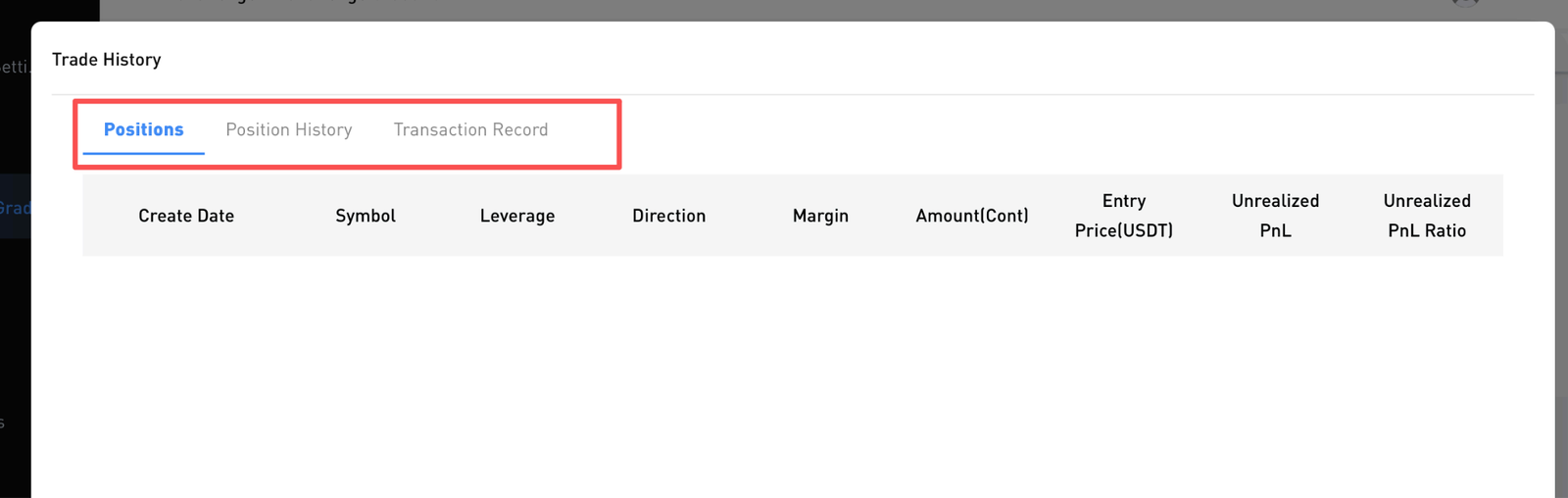
Note:
- Positions = Ongoing Position
- Position History = Completed Position
- Transaction Record = To check all the transaction fees paid
*Please visit the boss backend for further investigation on all trading transactions.
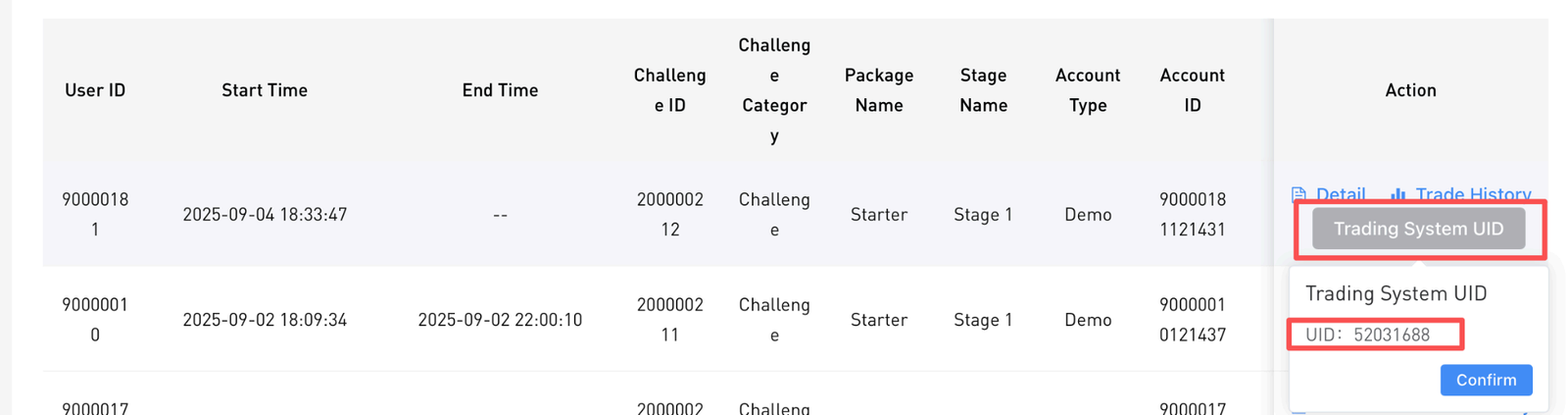
- To check this user on the Boss backend system, click on the Trading System UID and copy this UID to check in the Boss backend.
2.2. Live Stage Challenge Status
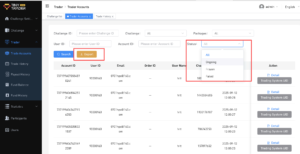
Steps: Trader > Trader Accounts > Select the status > Export.